Mark the phrase
Tap A and B around the line, lick, or sentence you want to understand.
A–B loops. Slower audio. Better practice.
Slow down music without changing the pitch. Repeat a tricky phrase, learn a solo by ear, or shadow a sentence—with Loopman on iPhone, iPad, and Mac.
Free to download · In-app purchases vary by platform
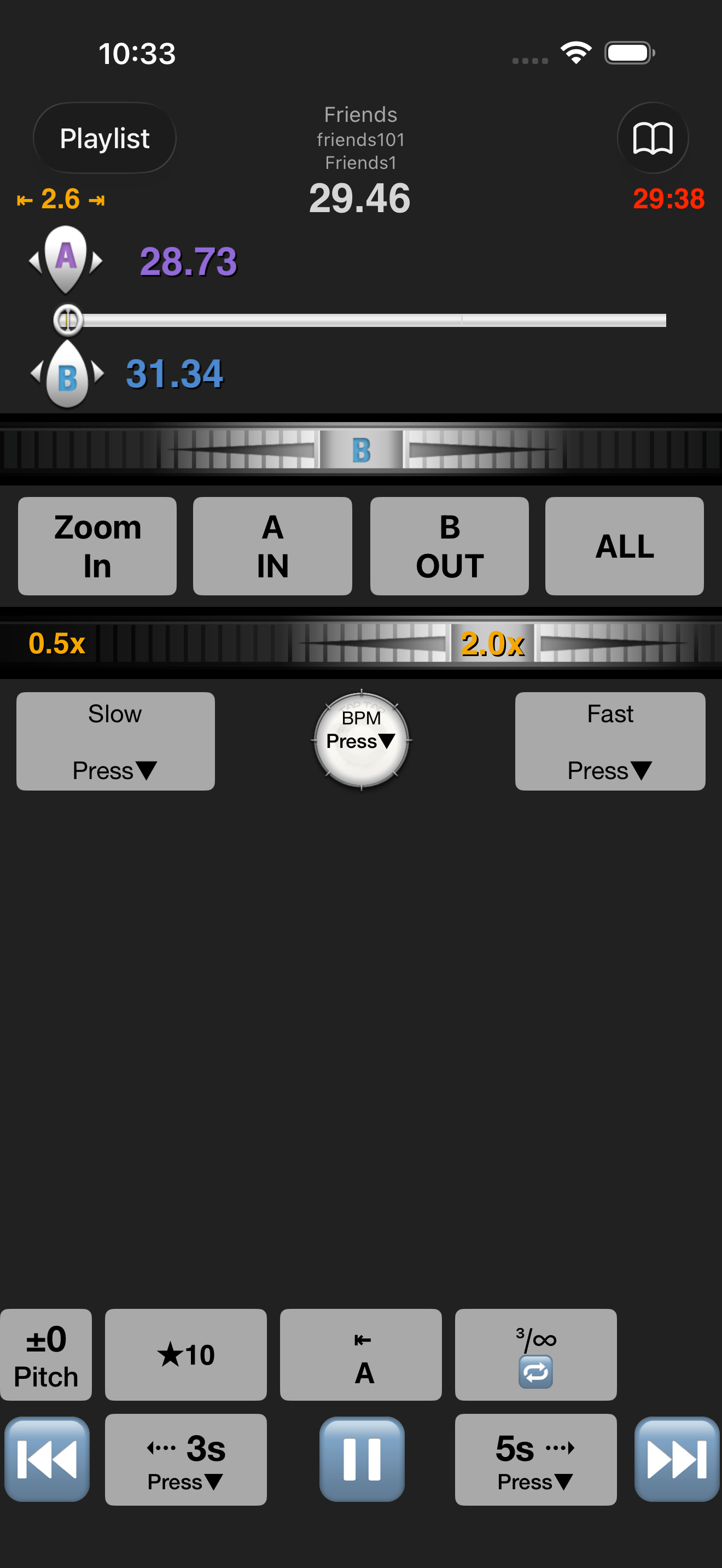
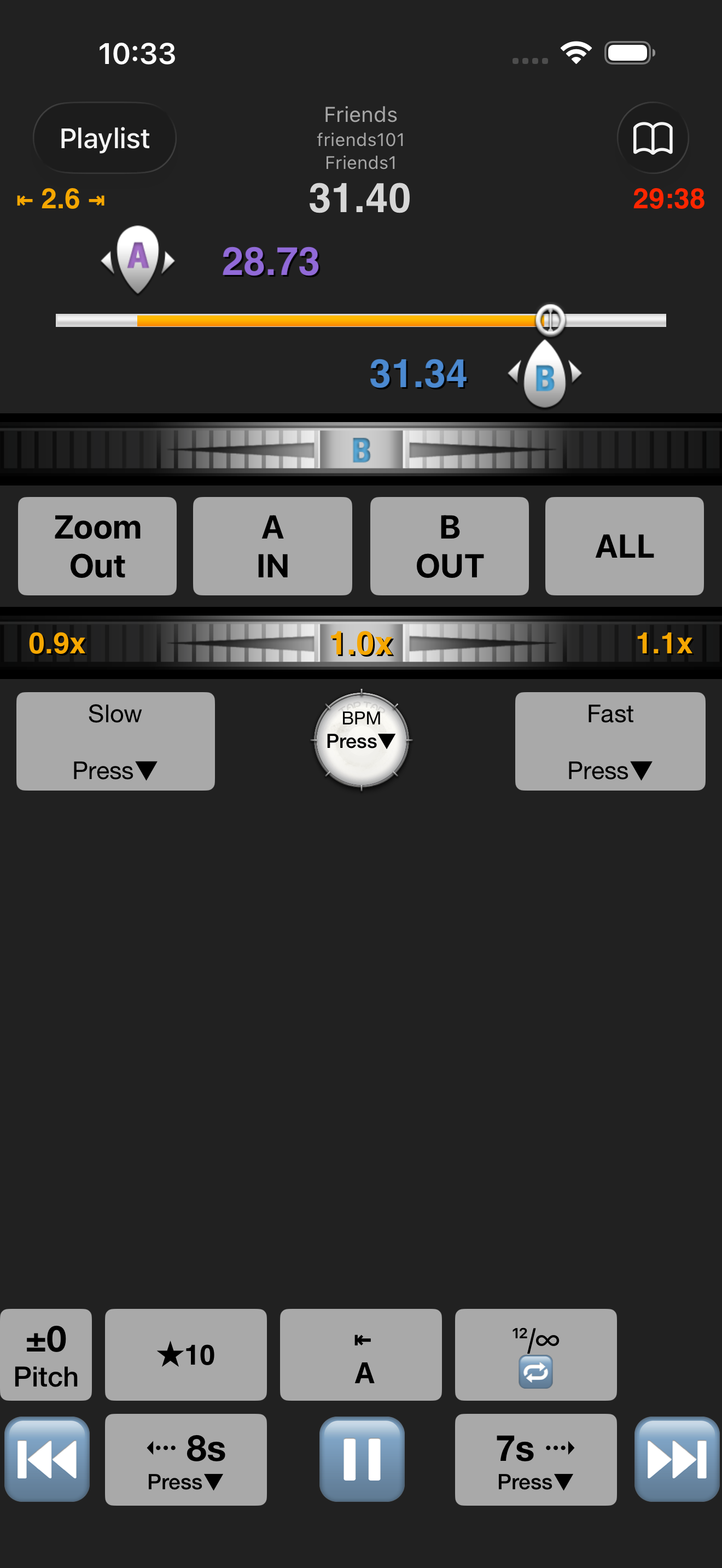
Close listening on iPhone, iPad, and Mac.
A better practice loop
Loopman stays out of the way so you can spend your attention on the sound—not on scrubbing a playhead.
Tap A and B around the line, lick, or sentence you want to understand.
Slow it just enough to hear the detail while the original pitch stays put.
Keep the section as a preset and pick up where you left off next time.
Built for the replay
Precise enough for transcription. Quick enough to use in the middle of a rehearsal.
Fine-adjust both ends of an A–B loop until the pickup and release feel right.
Work through fast music or speech at 50–200% speed on iPhone and iPad.
Save presets, choose a jump interval, and search playlists instead of hunting again.
In the details
Adjust the pace, save a phrase, hold the pulse, or jump back without losing your place.
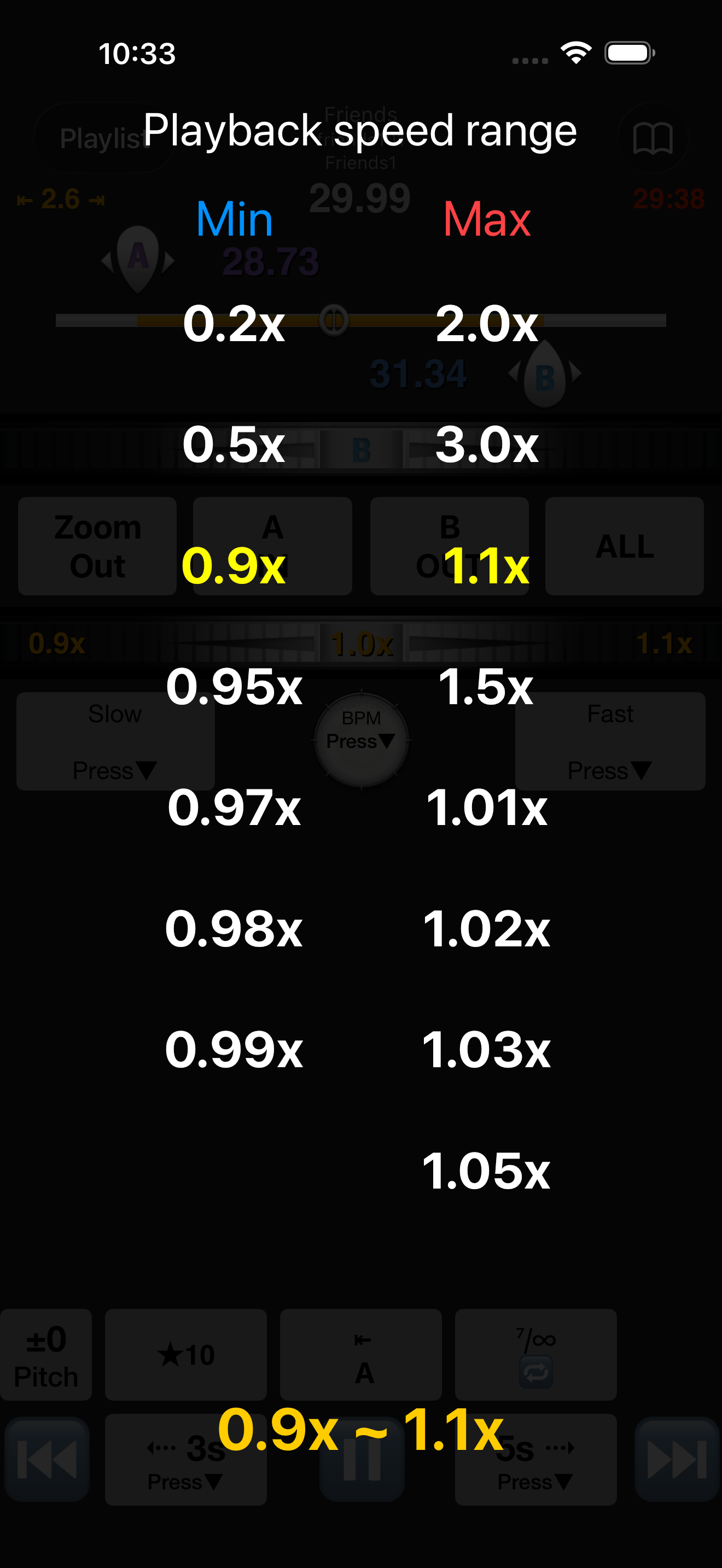 01
01Dial in a useful tempo instead of settling for a preset speed.
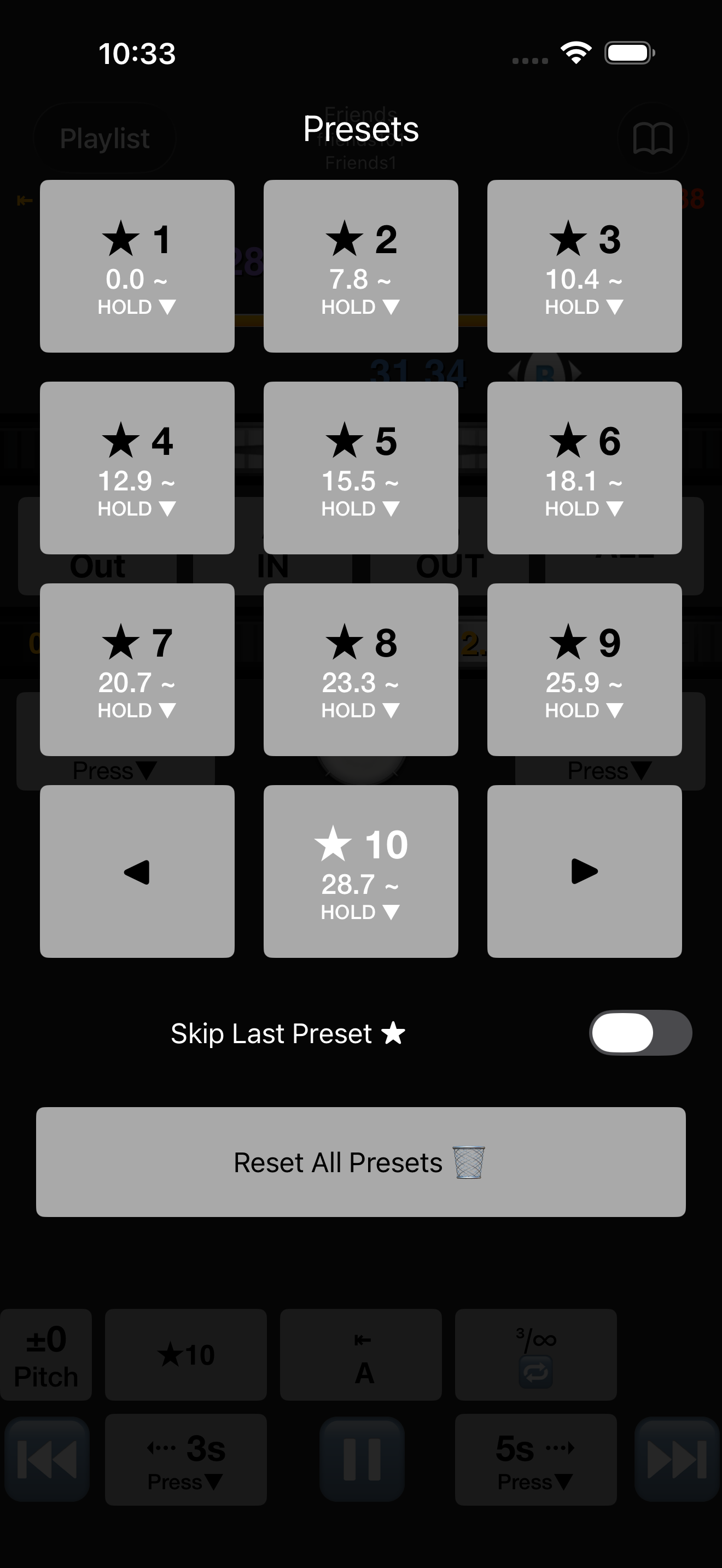 02
02Keep useful loop points ready for the next session.
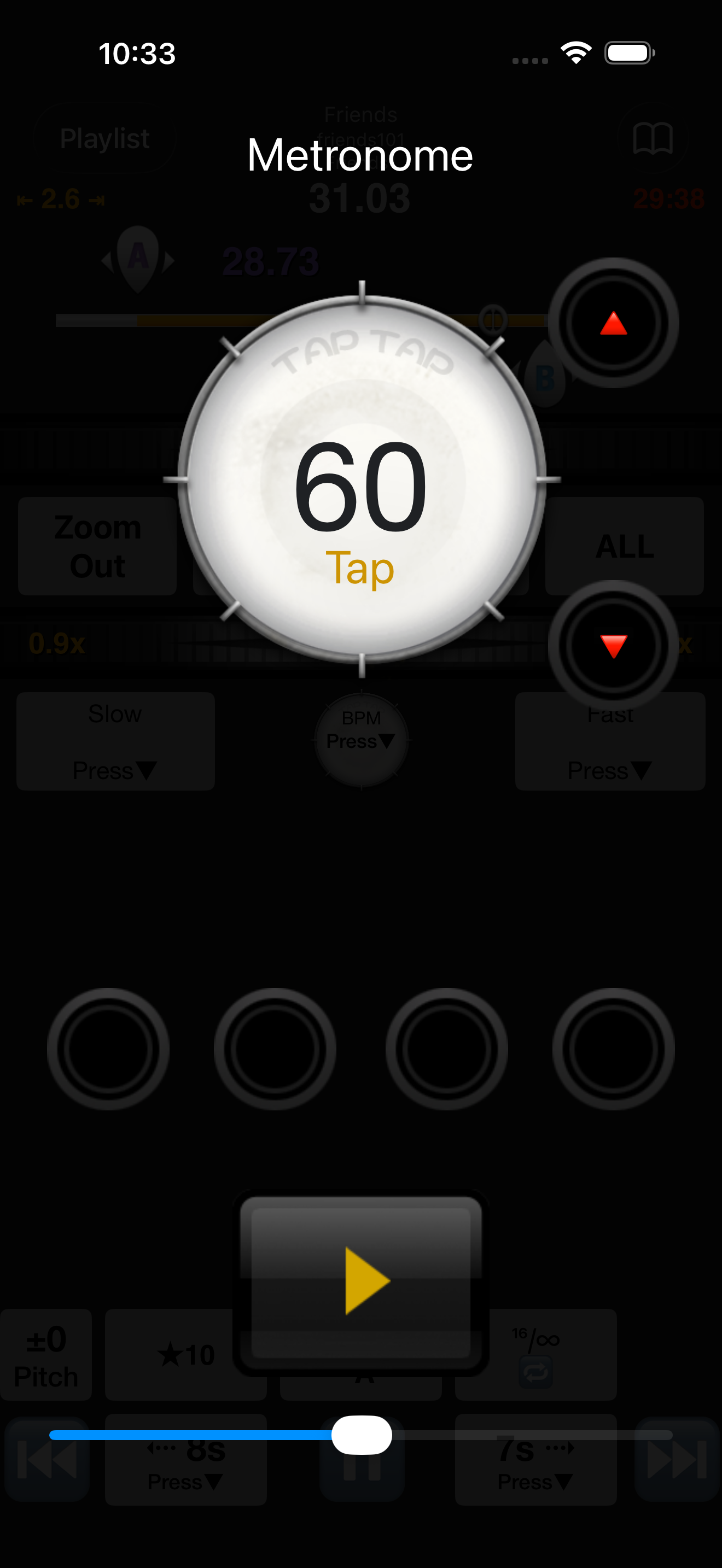 03
03Use the metronome while the phrase comes into focus.
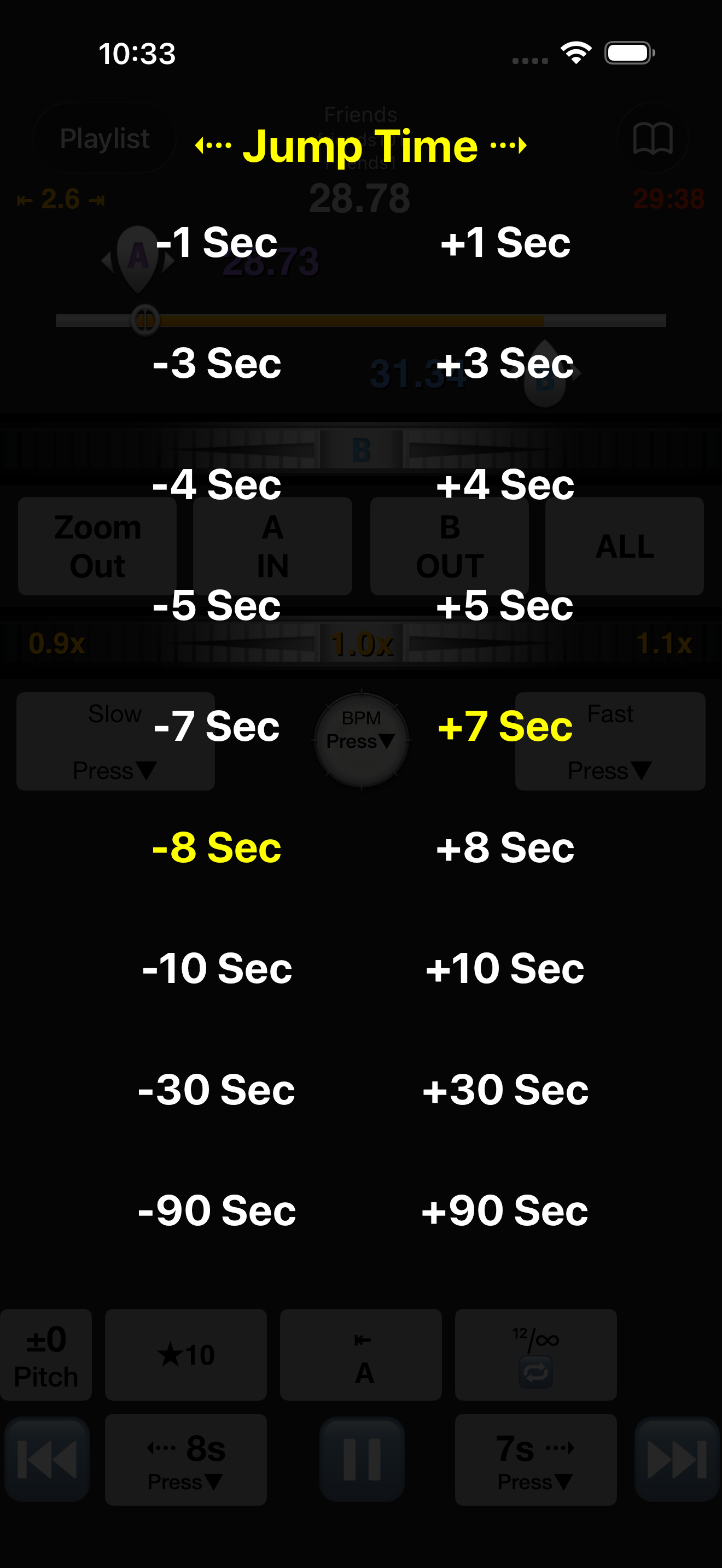 04
04Choose how far the jump buttons move each time.
Actual app screens. Some controls may appear in English.
Made for real sessions
Loopman is useful anywhere a few careful seconds matter more than a whole track.
Lift a solo, bass line, or chord change one bar at a time.
Listen closely to phrasing, breath, and pitch before singing it back.
Repeat one sentence without chasing the playhead after every take.
Rehearse a count in short, repeatable chunks at a workable speed.
From pocket to desktop
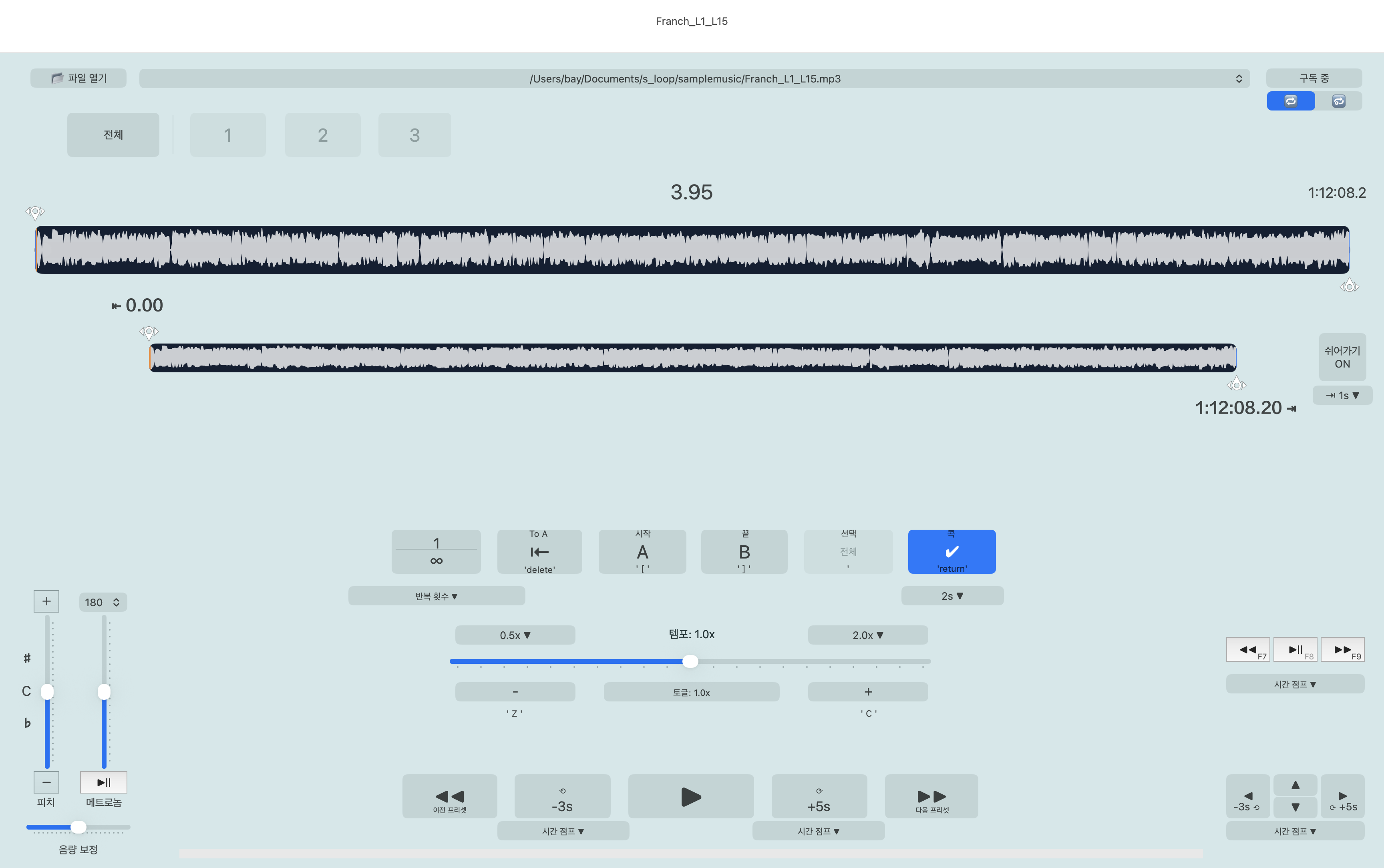
Use iPhone or iPad beside the instrument, then move to Mac when a larger waveform and keyboard workflow make more sense.
Shape a loop against the full waveform, keep your hands on the keyboard, and turn useful sections into practice files.
App Store reviews
Loopman has found its way into composing, transcription, and vocal practice routines.
4.6out of 5 · 30 US ratings“This app helps a lot.”
“Simple and straight forward.”
“It helps me study singing.”
On iPhone and iPad, Loopman is free with ads; an optional subscription removes them. On Mac, free playback is limited to about two minutes or less; a subscription unlocks full playtime. Check your App Store for local prices and trial availability.
Import supported audio files, including MP3 and FLAC. On iPhone and iPad, use Files to access compatible files in iCloud Drive and other providers. DRM-protected files and Apple Music subscription streams are not supported.
Loopman has separate iOS and macOS versions, with different features and purchases. The Mac version includes keyboard shortcuts and playlist import/export. Do not expect automatic cross-device syncing.
One more time
Loopman is free to download on iPhone, iPad, and Mac.