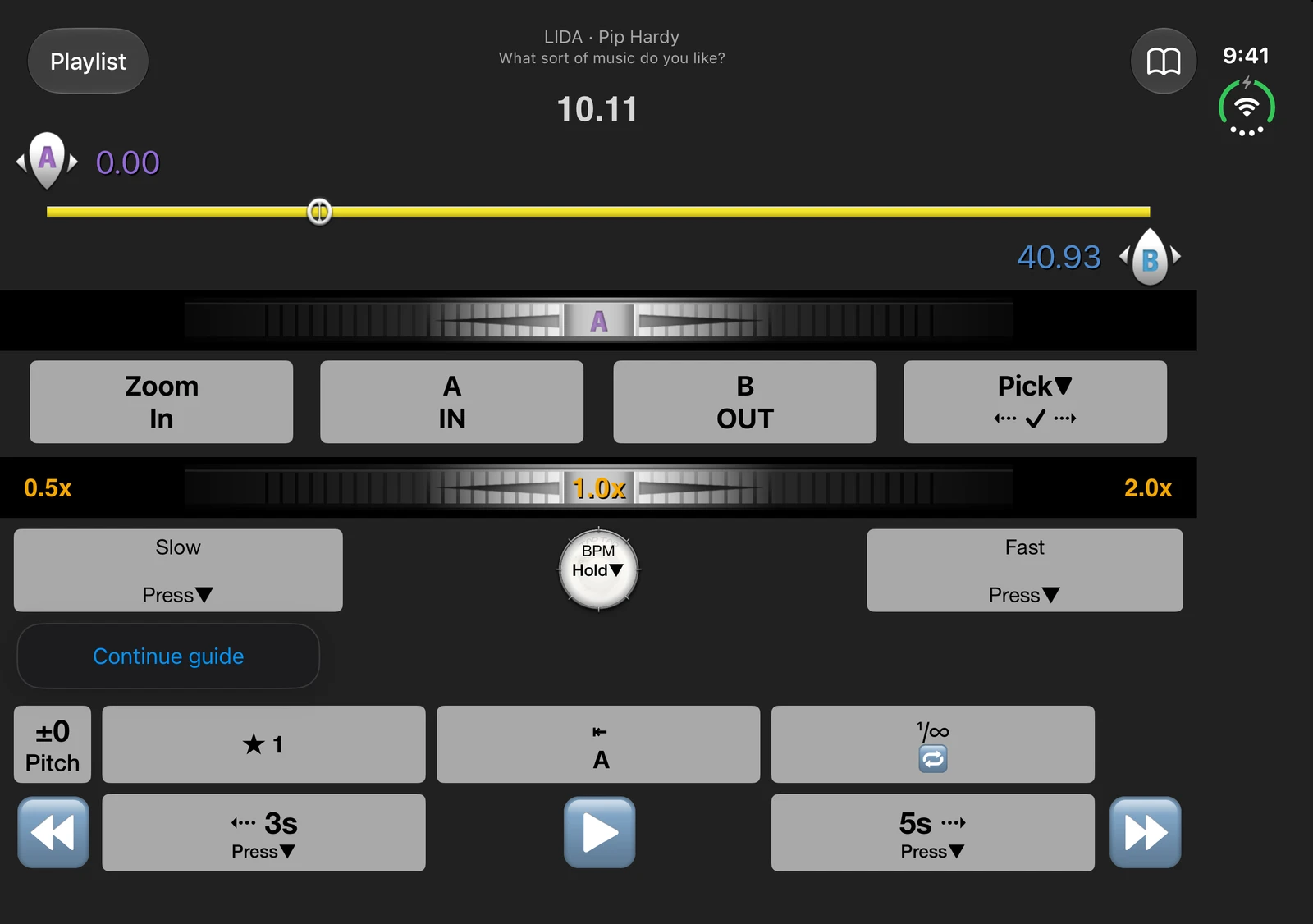
Keep the good part on repeat.
Set the start and end of a phrase. Hear it again without scrubbing back every time.
 Loopmanfor iPhone & iPad
LOOPMAN FOR iPhone Duo
A little more room for the part you love. Loop a guitar phrase, slow down a sentence, and listen closer with Loopman on iPhone Duo.
Free download · In-app purchases
Loopman on iPhone Duo · Actual app captures · Tap a screen to enlarge
TWO SCREENS. ONE WAY TO FIND YOUR FLOW.
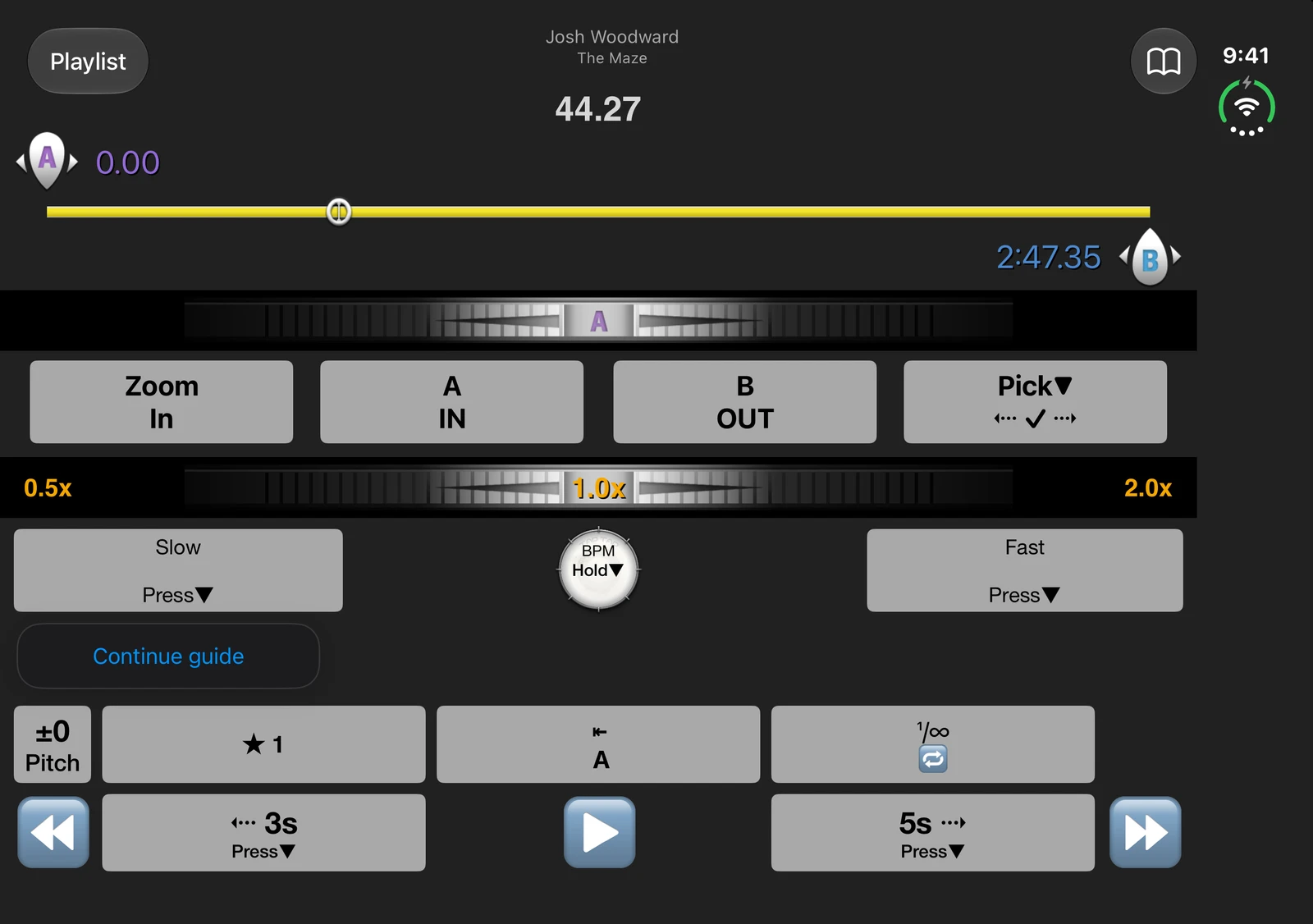
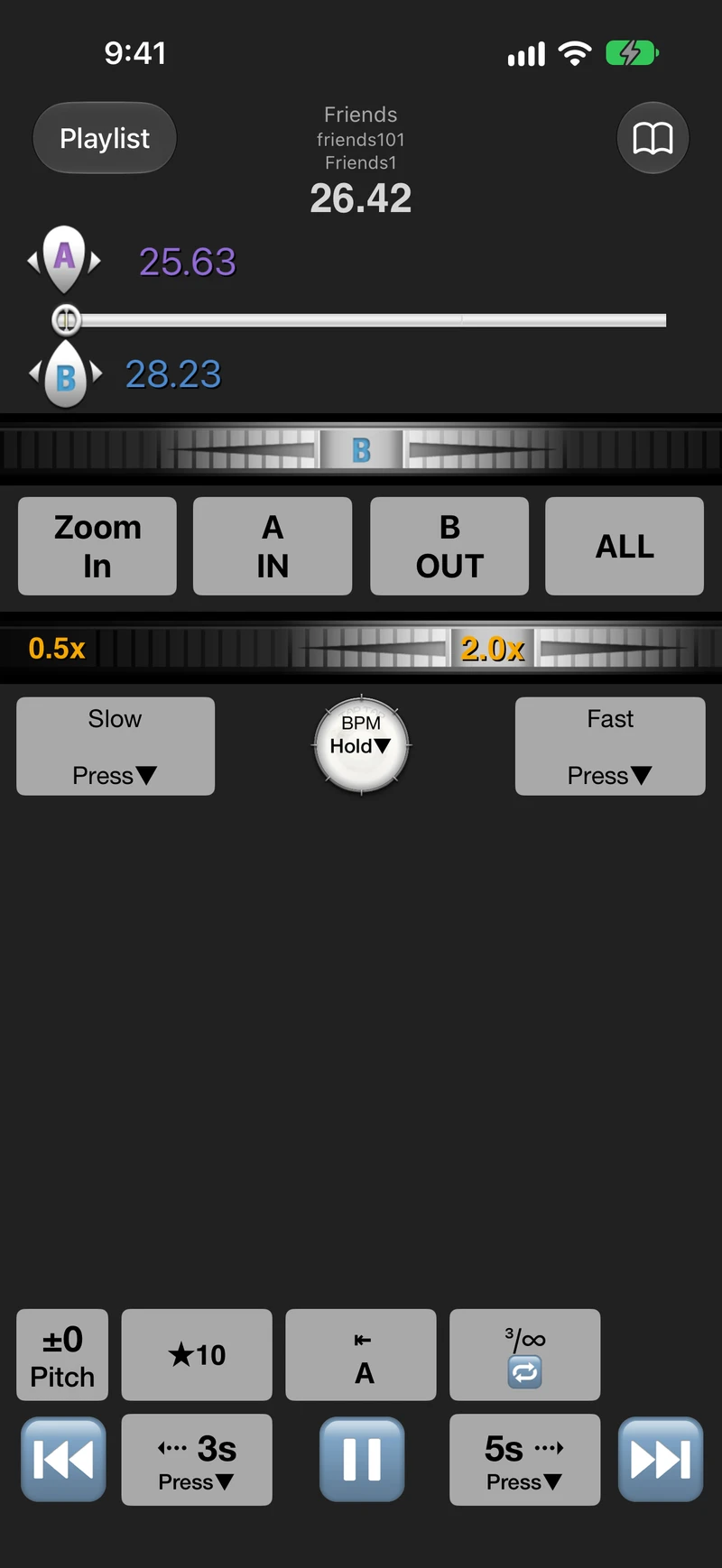
Your familiar player, with controls that adapt to the screen. Keep a short passage close on the outer display, or open the larger display for a roomier view.
Set the start and end of a phrase. Hear it again without scrubbing back every time.
Slow the audio down without changing its pitch. Return to the original pace when you’re ready.
Adjust the pitch for your voice or instrument. Save useful sections as presets for your next session.
WHAT ARE YOU WORKING ON?
YOUR FIRST LOOP STARTS HERE
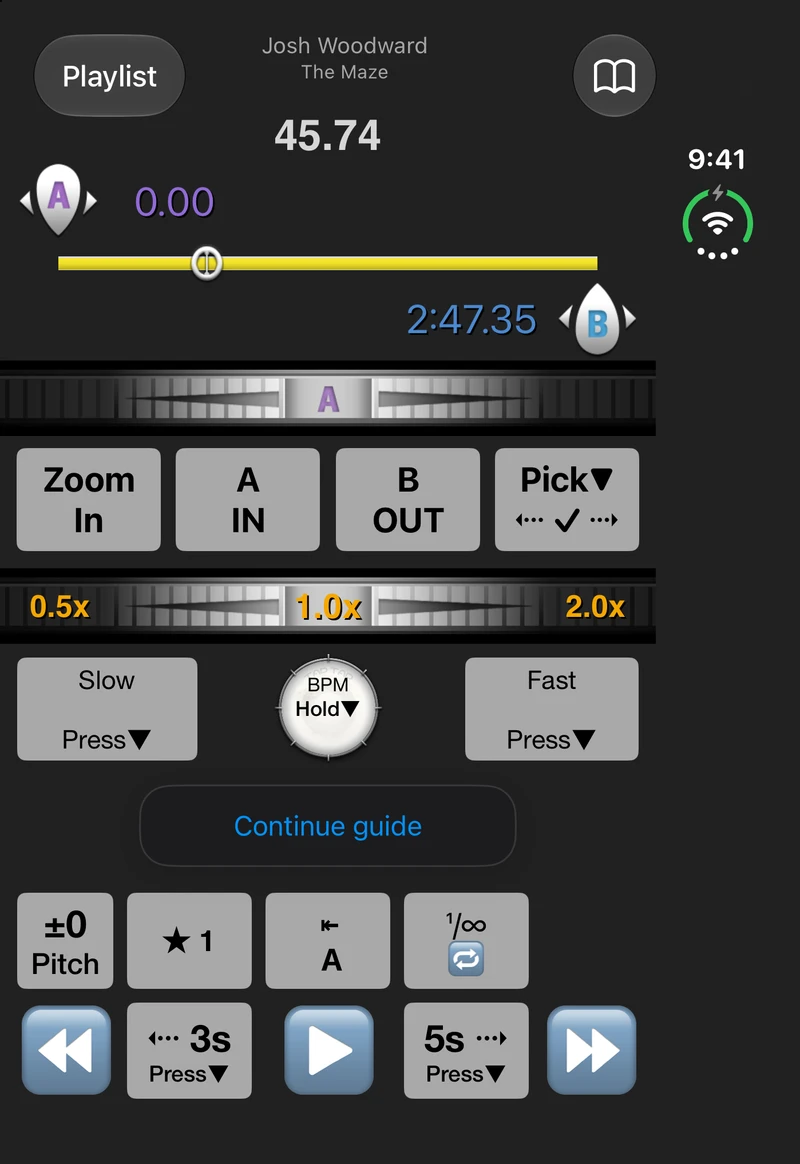
Choose the English or music sample in the in-app guide. Learn on the actual player, with hints that point to the controls you’re using.
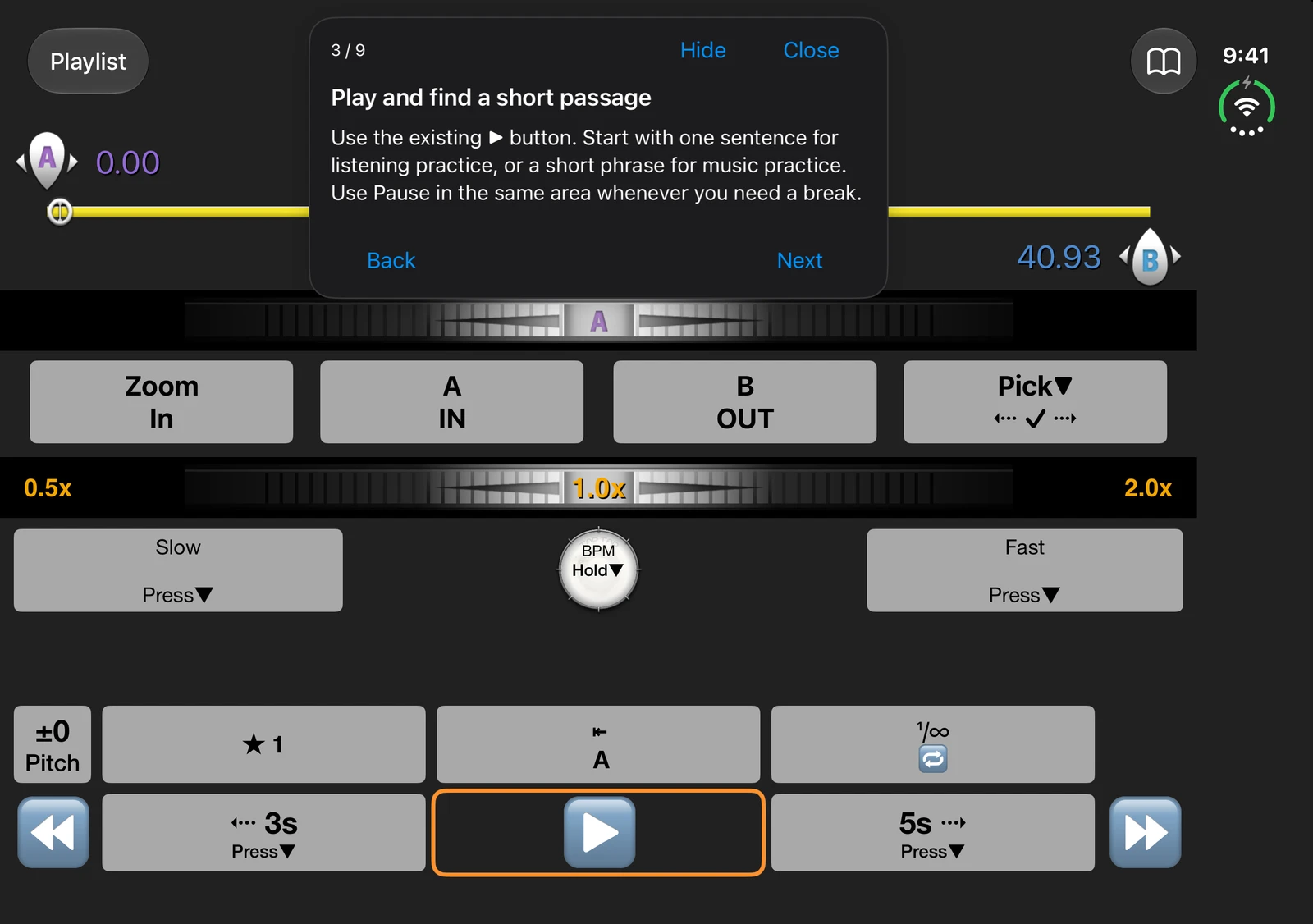
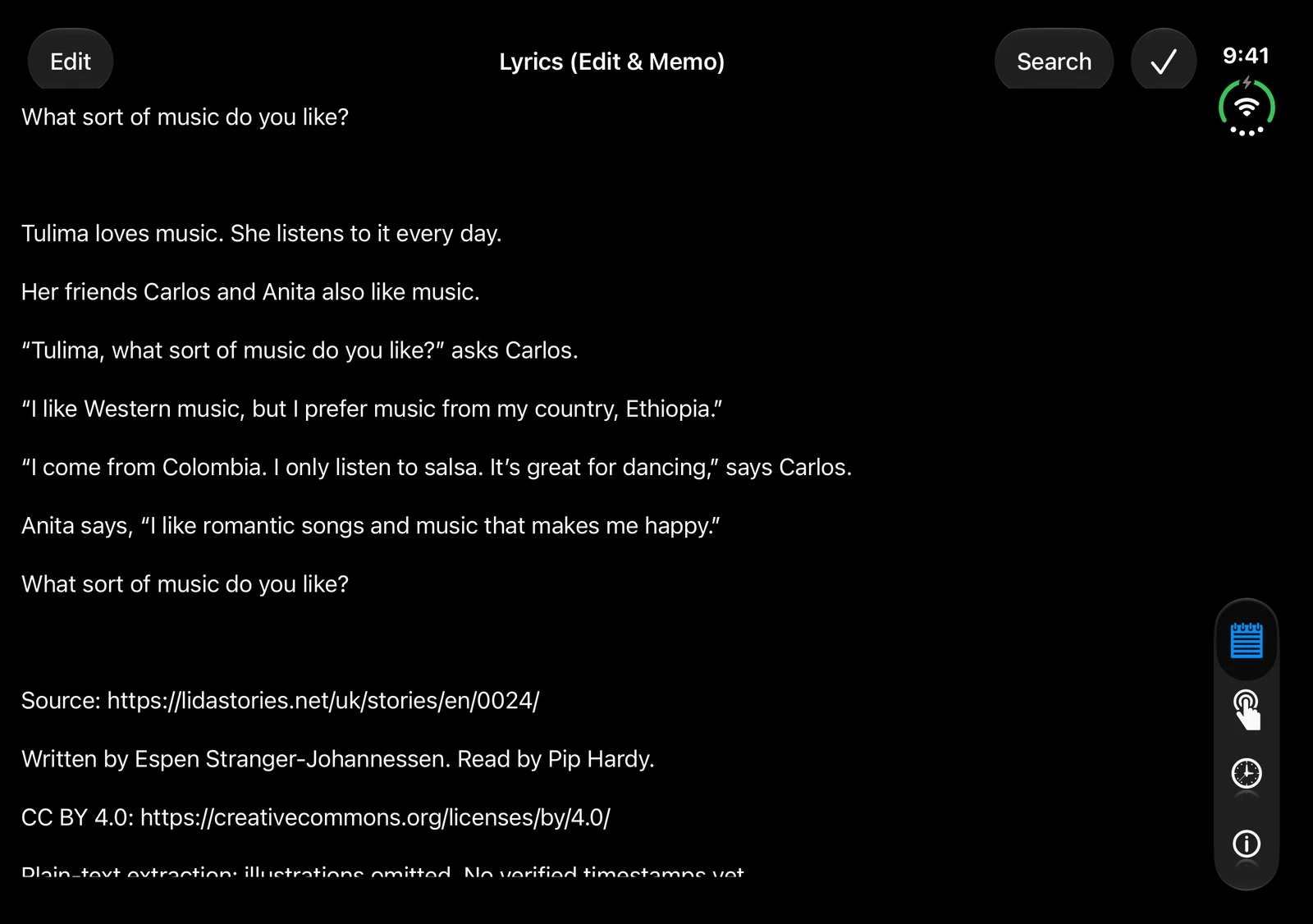
Choose words or music. You can also practice with your current track.
Play, set A and B, and hear the passage repeat.
Open supported audio files and keep practicing at your pace.
FROM THE APP STORE
“It helps me study singing.”
jeikei101 · iPhone app review · February 10, 2025
Read the original reviewBEFORE YOU DOWNLOAD
Yes. Loopman for iPhone and iPad is free to use with ads. Optional 3-month and 12-month subscriptions remove ads. Your App Store shows local prices and any eligible trial before you buy.
Yes. Open supported audio files from your files or compatible file providers. DRM-protected audio and protected Apple Music subscription downloads cannot be played.
Loopman helps you listen closely and repeat audio. It does not automatically transcribe speech or generate sheet music.
The iPhone/iPad and Mac versions are separate apps with separate in-app purchases. Features can differ between them.
Make your next listen a practice session.
View on the App StoreFree download · In-app purchases